
Almost everything about how Industrial Farming (Vanilla Style Automation) behaves on your server is decided by its configuration. This page shows where that lives, what the defaults are, and how to change them without breaking anything.
Where the config lives
The creator has not listed the config's location. Most Oxide/uMod or Carbon create the config on first start, next to oxide/plugins (or carbon/plugins on Carbon), so start the server once after installing and look for a new file named after Industrial Farming (Vanilla Style Automation).
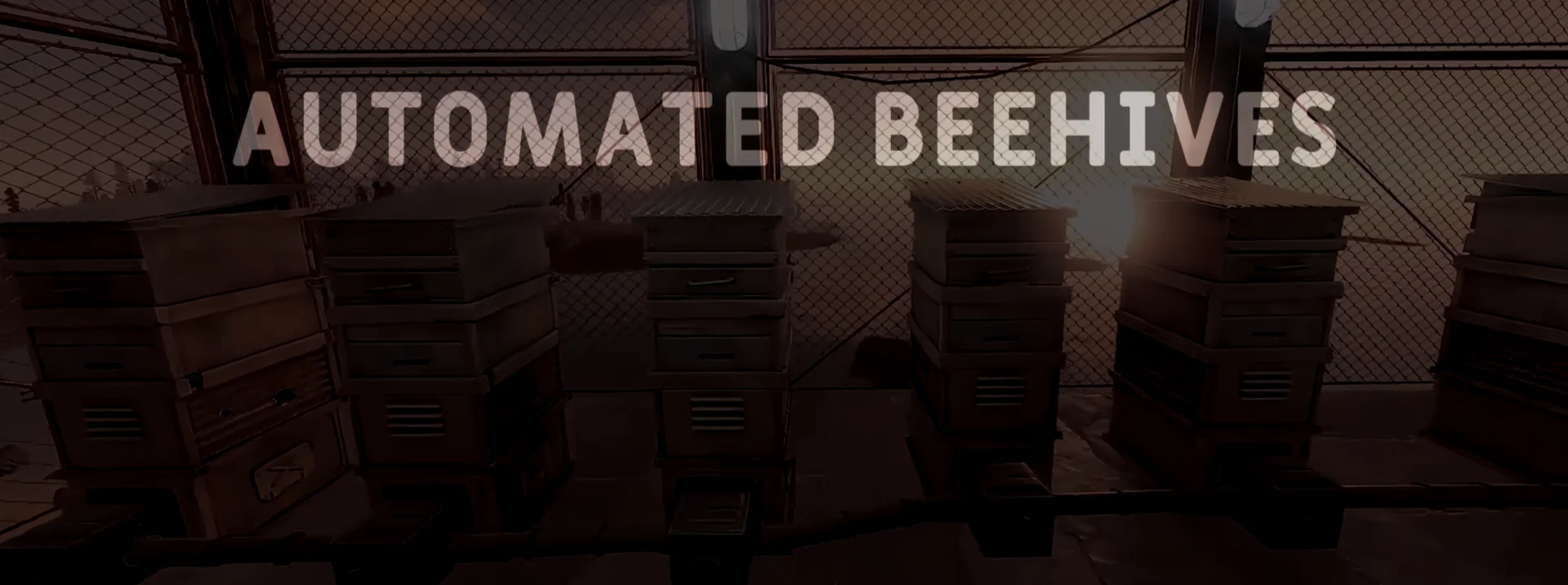
The creator's screenshot shows Industrial Farming (Vanilla Style Automation) in action; the settings below decide what you see here.
Changing a setting
- Copy the config file somewhere safe before your first edit.
- Change one setting at a time, so you know which edit caused which effect.
- Save the file, then restart the server or reload it (oxide.reload PluginName on Oxide, or c.reload PluginName on Carbon) so the change is read.
- Check the console for errors after every change; a syntax mistake can make the loader ignore the whole file.
No config preview yet
tril has not published the config on the listing. Once installed, open the file it creates and keep a copy of the defaults before changing anything.
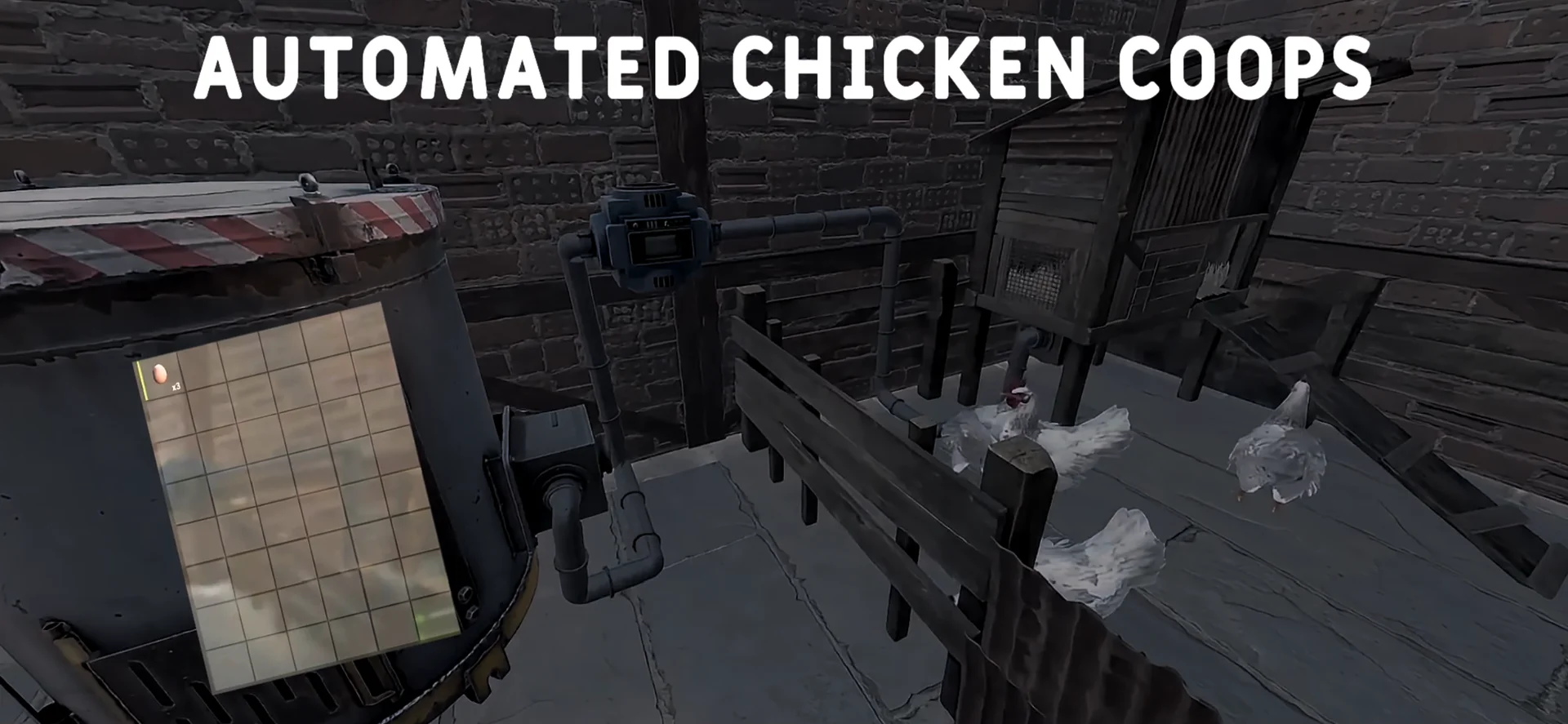
Another view from the creator's gallery, Figure 2, for reference while you tune settings.
Good habits for config changes
- Keep a short text note of every setting you changed and why. When something behaves oddly weeks later, that note is the fastest way to find the cause.
- Test bigger changes on a copy of the server, or at a quiet hour, before players rely on them.
- Never paste secrets (tokens, database passwords, RCON passwords) into screenshots or support requests.
- If a value takes a number, check its unit in the creator's notes: seconds and minutes are easy to mix up.
Keeping your settings through updates
When a new version of Industrial Farming (Vanilla Style Automation) comes out, keep your edited config and compare it with the new defaults instead of overwriting it. New options appear with default values; renamed ones need your old value moved across by hand.
About this page
Compiled by GameServersHub on October 29, 2026 from the live listing for Industrial Farming (Vanilla Style Automation), published by tril. Details marked as the creator's are what they state on the listing. Where this page differs from the creator's own description or wiki pages, theirs apply.