
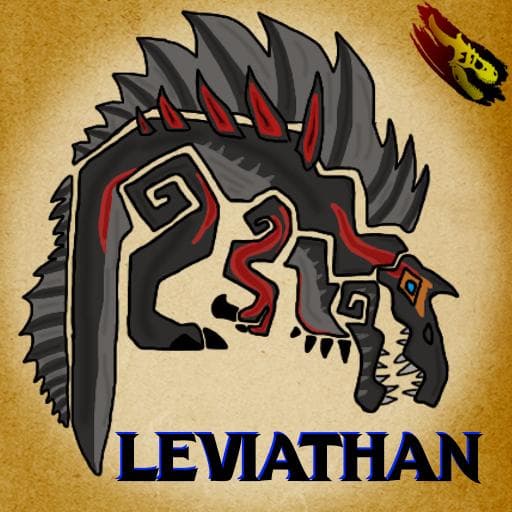
Rogue Creations Leviathan
by Rogueterra94(473-509-123)
Description
From the Deep comes a mighty beast, Shockingly powerful and immense in size the Leviathan is a titanic foe, Using its massive claws and powerful jaws to tear apart prey this creature lays claim to the oceans of any territory it inhabits.
A huge thank you to everyone who helped me bring this beast to life over the years and a huge thank you to NotPixieStyx71 for the unbelievable patience.
Model - Rogueterra94
Animations - Rogueterra94
Sound Design - MrParasaur/CerealKiller
Icon Design - VoidDragon
Skins - Rogueterra94/CoiledMink
Coding - Rogueteera94/Pnoodle5/and pretty much everyone in the modding community at one point or another
How to install on a Path of Titans community server
Three steps. Stop the server first - mod changes only apply on startup.
- 1
Find the Mod ID
In Path of Titans, open the Mods page, select the mod, and copy the Mod ID (it looks like
UGC_M_...).For this mod:
UGC_M_NV5ERX4EJD_SK(use the Copy button on the right). - 2
Edit your server files
- Log in to your server panel and STOP the server.
- Navigate to the config directory, usually:
/PathOfTitans/Saved/Config/LinuxServer - Open
GameUserSettings.iniand find or create the header:
[PathOfTitans.Mods]
EnabledMods=UGC_M_NV5ERX4EJD_SK
#Rogue Creations Leviathan
Add a new
EnabledMods=ModIDline for each mod you want enabled. The#line is an optional comment - useful for keeping the file readable when you have many mods.Save the file and restart your server. The mod downloads on startup.
- 3
Setting up a custom map (if applicable)
If the mod is a custom map, you also need to set the map name in
Game.ini:- Get the map file name from the mod author or the mod files (look for a
.umap). - Open
Game.iniand add under the[/Script/PathOfTitans.IGameSession]header:
[/Script/PathOfTitans.IGameSession]
ServerMap=MapFileName
Save the file and start your server.
- Get the map file name from the mod author or the mod files (look for a
Patch history(7 entries)
Latest Updated to latest game version.
- Readjusted food sockets
- Reverted the stat name changes
- Fixed some issues with Aquafilic
- Renamed some CSV stats
- (TRIAL PATCH) Increased Leviathans speed multipliers for each growth tier Baby - 2 from 1 Juvenile - 1.9 from 1 Adolescent - 1.5 from 1 Sub-Adult - 1.2 from 1 Adult - stays at 1 These values are subject to change based on feedback and player experience.
- Added Lagoon(Laika) skin
- Added possible work around for a bug that would turn off abilities when using a call while diving or submerging
- Fixed armor buff icon not showing on multiplayer servers
- Slightly updated Kinetic Overload and Terrifying Decree descriptions
- Increased damage reduction timer on long attacks from 4 to 6 seconds
- Fixed wonky pattern for Coral skin
- Fixed an exploit with Terrifying Decree allowing it to cancel the cooldown by diving